Guide
How to play Dusk Ridge
Dusk Ridge is a free FPS and TPP shooter with two sides: a solo sniper campaign and a 5v5 online team arena. Both run on Android phones and in a PC browser.
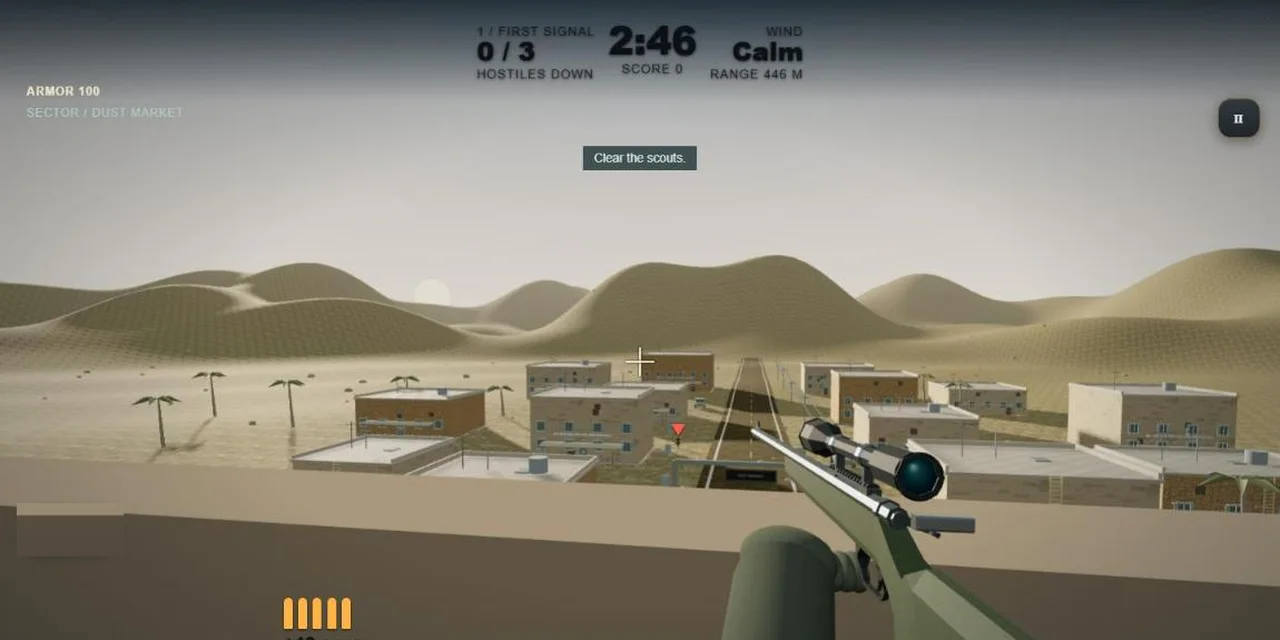
Solo missions
The campaign has 12 missions. Finish one to unlock the next. Each mission card shows the number of hostiles, the time limit, your rounds and the wind.
- Red scarf means hostile. Gold marks a priority target.
- Some enemies, such as the Yeti and Ridgeforge-12, wear armour. Watch for attack warnings and get behind solid cover.
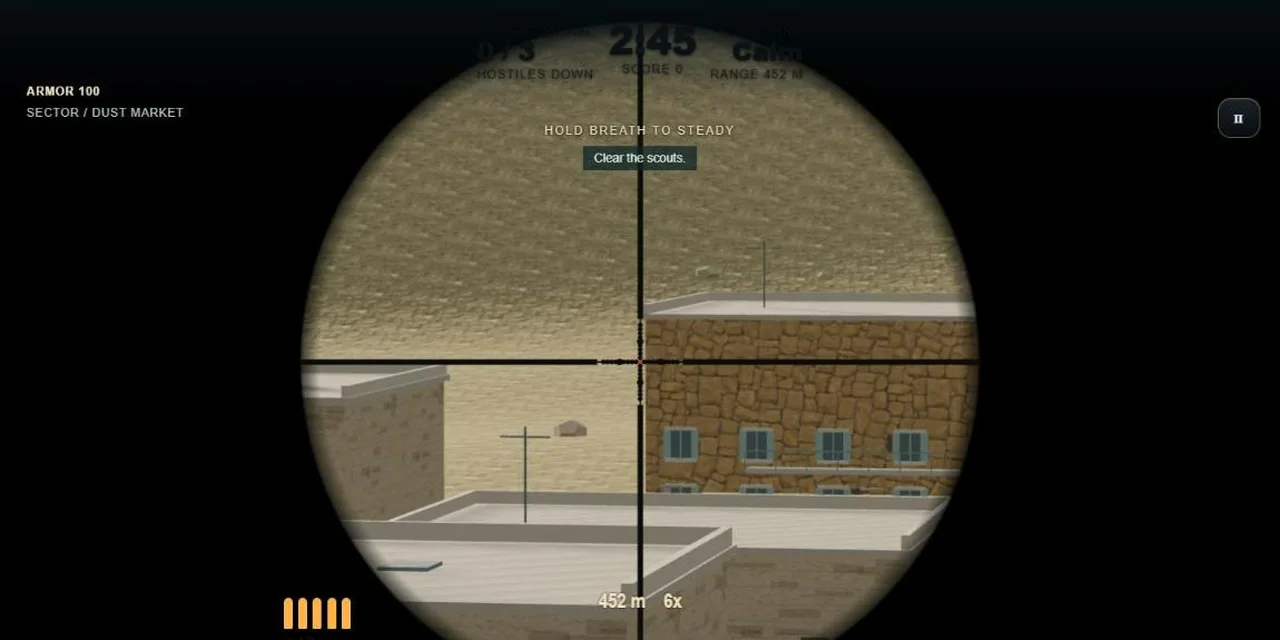
- The dots in the scope help you allow for range and wind. Hold your breath to steady the scope.
PC controls (solo)
| WASD | Move |
| Space | Jump |
| Shift | Run |
| C | Crouch |
| E | Use ladder |
| Q | Scope |
| Ctrl | Hold breath |
| R | Reload |
| F / click | Fire |
5v5 online
Up to ten players, five a side. Bots fill any empty slots so a match can always start. Join an open server, use Quick match, or create a public or private room and share the code with friends.
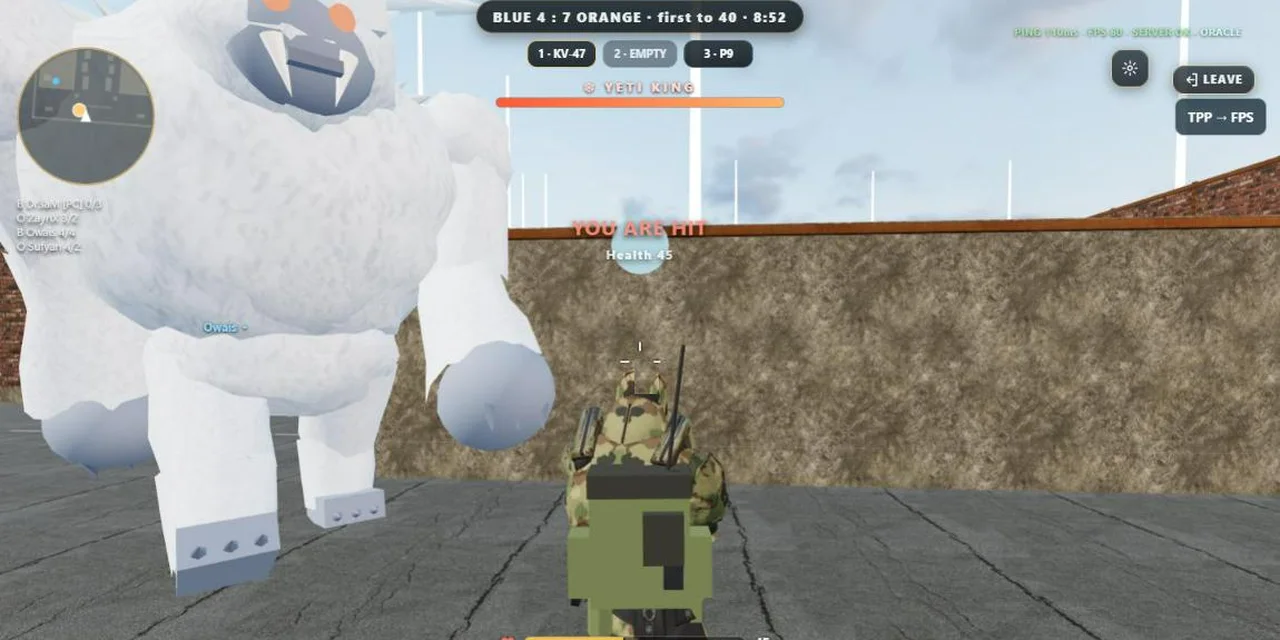
Modes
- Team Deathmatch: first team to the kill target wins.
- Domination: hold control points to score.
- Gun Game: every kill moves you to the next weapon.
- Yeti Hunt: both teams take on a giant Yeti.
Maps
Ridge Town (day and night), Dusk Dunes, Ironworks, Ridge Outpost, Saif-ul-Malook, Naran, Kaghan and Babusar Top.
PC controls (online)
| Mouse / arrow keys | Aim |
| Right mouse | Aim down sights |
| 1 2 3 / wheel | Switch weapon |
| Z | Prone |
| T | Grenade |
| G | Pick up |
| V | Knife |
| B Y H | Airstrike, Yeti and mech (when available) |
| Enter | Chat |
Use the TPP / FPS button to switch between third-person and first-person view.